
Grow your business with WhatsApp
One CRM for conversations, campaigns, AI replies, contacts, and team workflows — built for modern WhatsApp businesses.
Shared inbox · AI agent · Campaigns · Flow automation
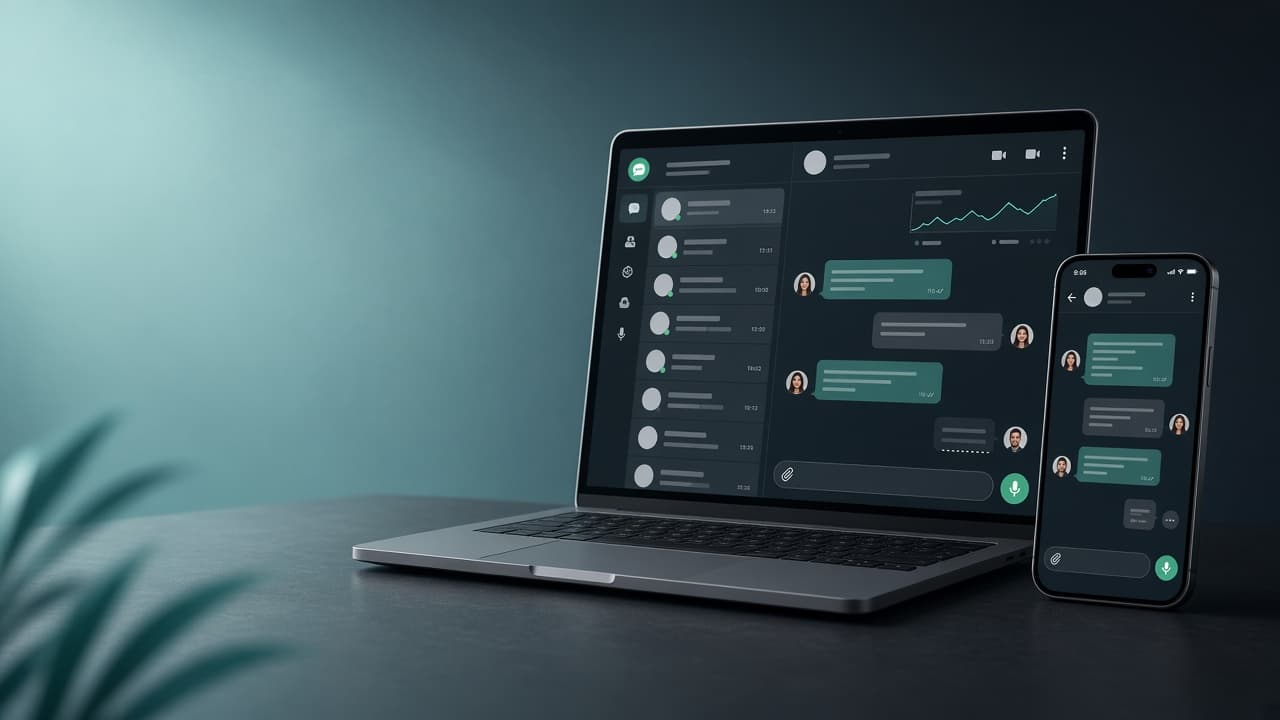
Built for growing WhatsApp businesses
WhatsApp chaos holds growth back
Scattered chats
Leads disappear across phones and personal inboxes.
Missed follow-ups
Manual replies slow down when volume rises.
No team visibility
Managers cannot see ownership or response quality.
Blind campaigns
Broadcasts go out without clear reply tracking.
Skillify brings everything into one workspace
Centralize conversations, automate with AI and flows, launch campaigns, and give your team a shared inbox with clear ownership.
Everything you need to run WhatsApp professionally
Shared Team Inbox
Assign chats, reply faster, and keep context in one place.
WhatsApp Campaigns
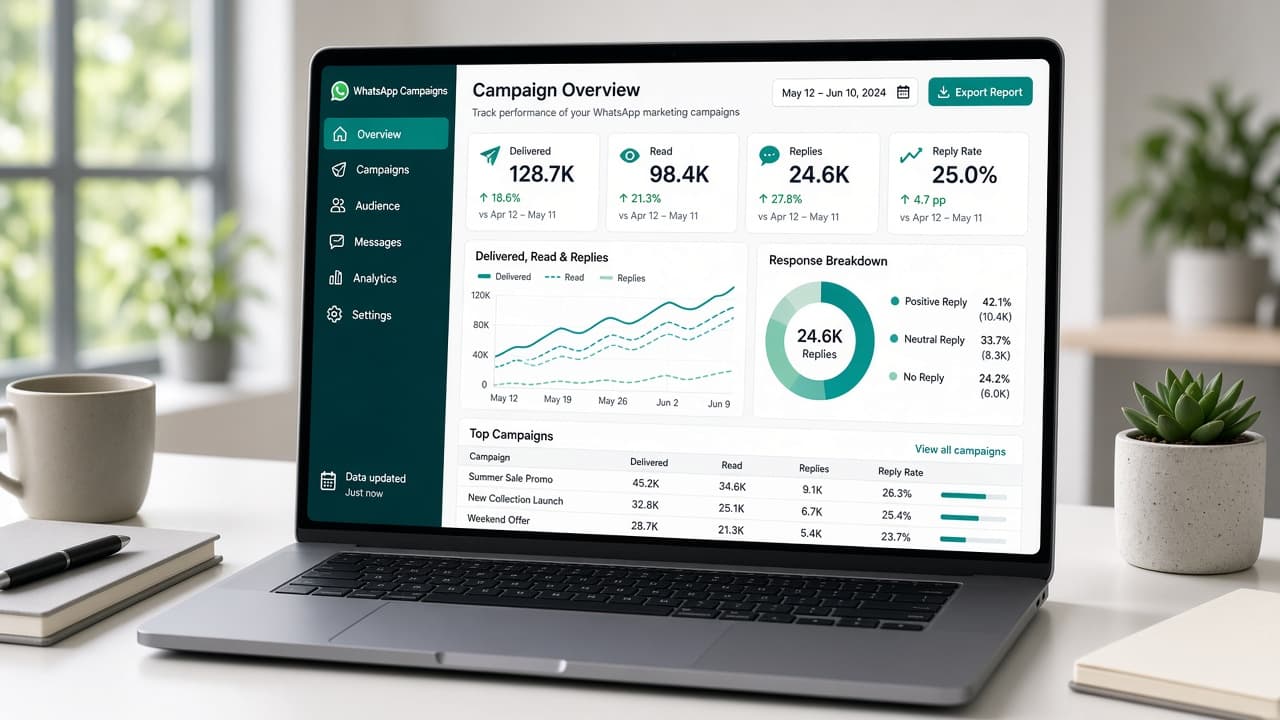
Send template broadcasts and track delivery, reads, and replies.
AI Agent
Answer FAQs, qualify leads, and hand off to humans with your knowledge.
AI Flow Automation
Describe a journey — generate and run WhatsApp workflows.
Contact CRM
Import contacts, tag leads, and keep customer history ready.
Analytics
See conversation volume, campaign results, and team activity.
Manage every WhatsApp conversation in one place
A shared inbox built for teams — search chats, see contact context, and respond without switching apps.
Open Inbox Demo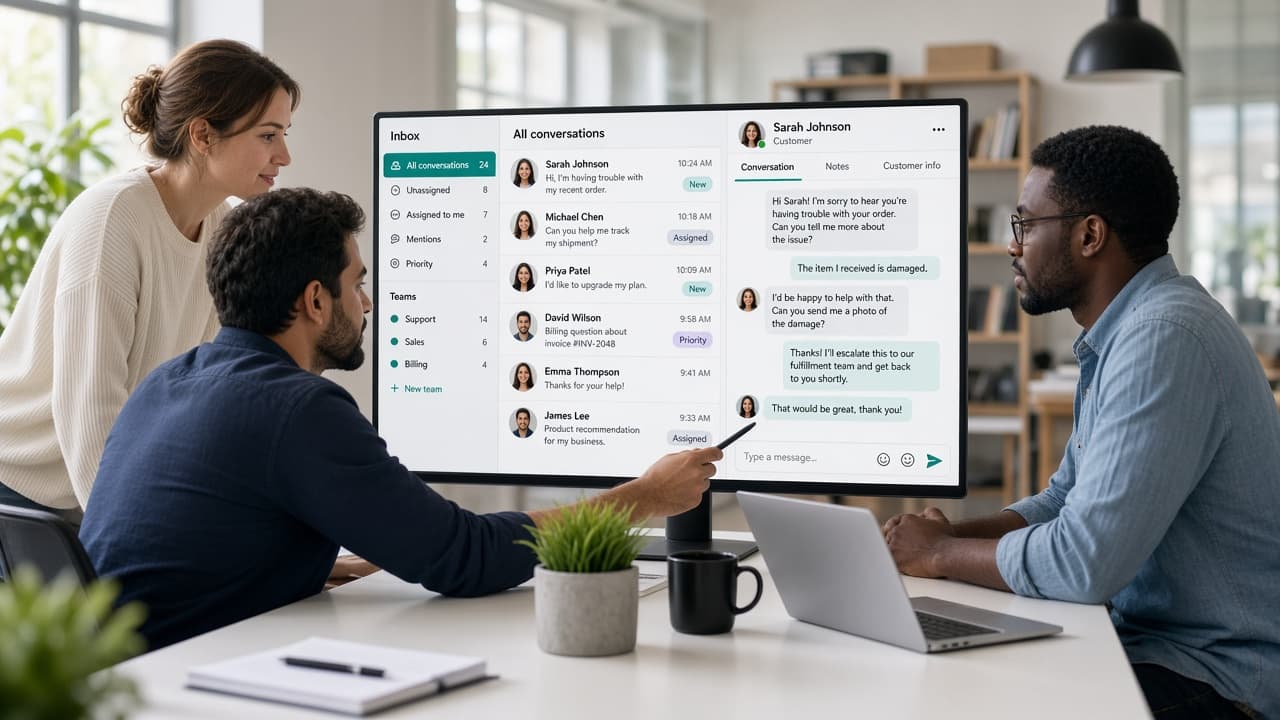
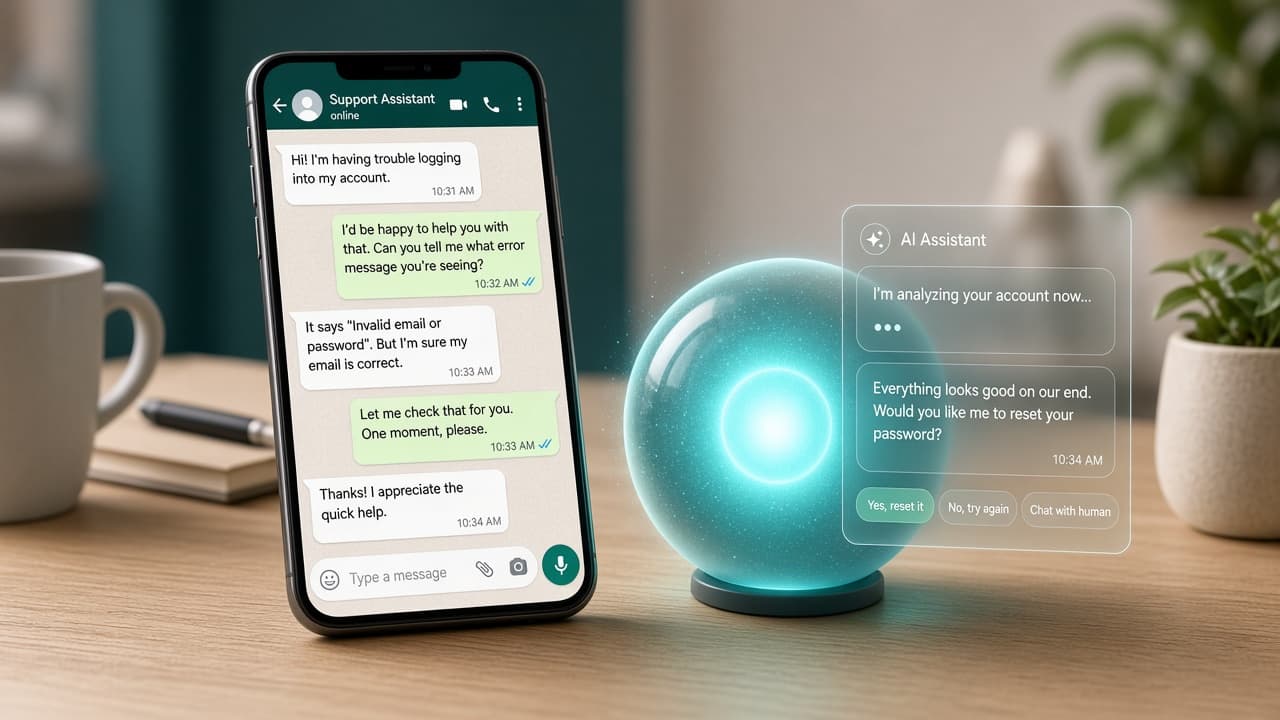
Your AI sales & support agent, available 24/7
Connect your own AI provider key, teach the agent your business knowledge, and let it handle FAQs, lead capture, and handoff.
- Answer customer questions
- Qualify leads
- Collect information
- Handle FAQs
- Transfer to a human
- Use business knowledge
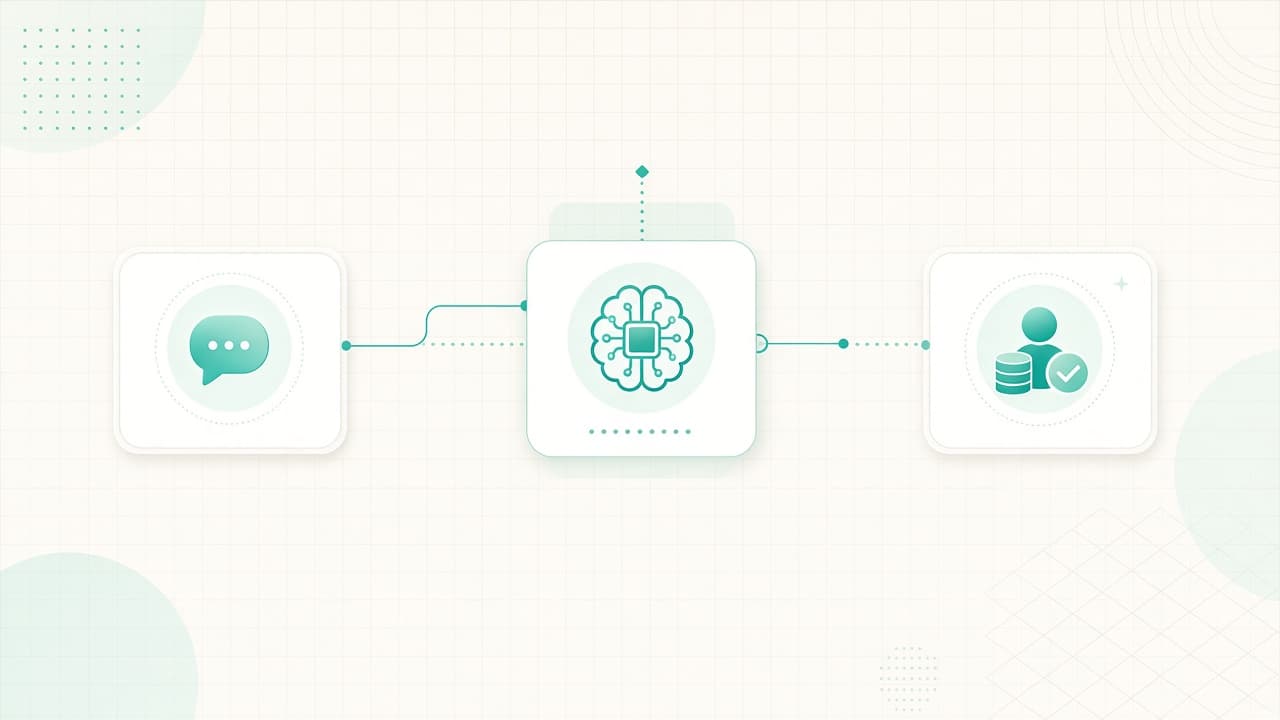
Tell AI what you want. It builds the workflow.
Describe lead qualification, bookings, or support journeys — generate a flow, review nodes, and activate WhatsApp automation.
Launch WhatsApp campaigns with clear results
Select audience → choose template → review → send → track delivered, read, replies, and failures.
How it works
Create your account
Register and wait for platform approval.
Connect WhatsApp
Link your WhatsApp Business assets securely.
Import contacts
Bring your audience into the CRM.
Build automation
Use AI agent and flows for follow-ups.
Start growing
Run campaigns and manage conversations as a team.
Built for service-led businesses
Real Estate
Qualify property inquiries and book viewings.
Clinics
Appointment reminders and patient follow-ups.
Education
Admissions, reminders, and parent updates.
E-commerce
Order updates and product inquiry handling.
Travel
Itinerary questions and booking assistance.
Agencies
Client intake and campaign orchestration.
Integrations that actually ship with the CRM
WhatsApp / Meta
Cloud API webhooks, templates, and messaging.
OpenAI
Bring your own key for AI agent replies.
Anthropic
Optional Anthropic provider support.
Webhooks
Outbound webhook endpoints for events.
Public API
Contacts, conversations, and broadcasts API.
Simple packages that match your CRM limits
Plans are managed by the platform owner and update automatically.
Basic
Contact us
Starter package for small teams
- 2 team members
- 2,000 contacts
- 1 WhatsApp number
- AI Agent
- Campaigns & broadcasts
- Flow Builder
- Analytics
Pro
Contact us
Growing businesses
- 5 team members
- 15,000 contacts
- 3 WhatsApp numbers
- AI Agent
- Campaigns & broadcasts
- Flow Builder
- Analytics
- API access
- Webhooks
Enterprise
Custom
Custom limits for large teams
- Unlimited team members
- Unlimited contacts
- Unlimited WhatsApp numbers
- AI Agent
- Campaigns & broadcasts
- Flow Builder
- Analytics
- API access
- Webhooks
What teams say (demo placeholders)
“We finally stopped losing WhatsApp leads across personal phones.”
“Campaign replies and inbox ownership in one place changed our follow-ups.”
Placeholder testimonials for design — replace with real customer quotes.
Operate WhatsApp like a real sales channel
Replace these with verified metrics when available.
Ready to automate your WhatsApp business?
Create your account, get approved, and start with the package that fits.
Frequently asked questions
What is this WhatsApp CRM?
A multi-tenant CRM for WhatsApp conversations, campaigns, AI agents, flows, contacts, and teams.
How do I connect WhatsApp?
After approval, connect your WhatsApp Business assets through the CRM WhatsApp settings.
Can I use my own Meta Business account?
Yes. Client WhatsApp business assets stay tenant-specific while the platform Meta app infrastructure stays owner-controlled.
Can I use my own AI API key?
Yes. AI is configured per workspace with bring-your-own-key support.
Are WhatsApp or AI provider charges included?
No. Meta messaging and AI provider usage bill to your own provider accounts when configured.
Can I upgrade my plan?
The platform owner can change your package. Existing data is preserved on upgrades and downgrades.